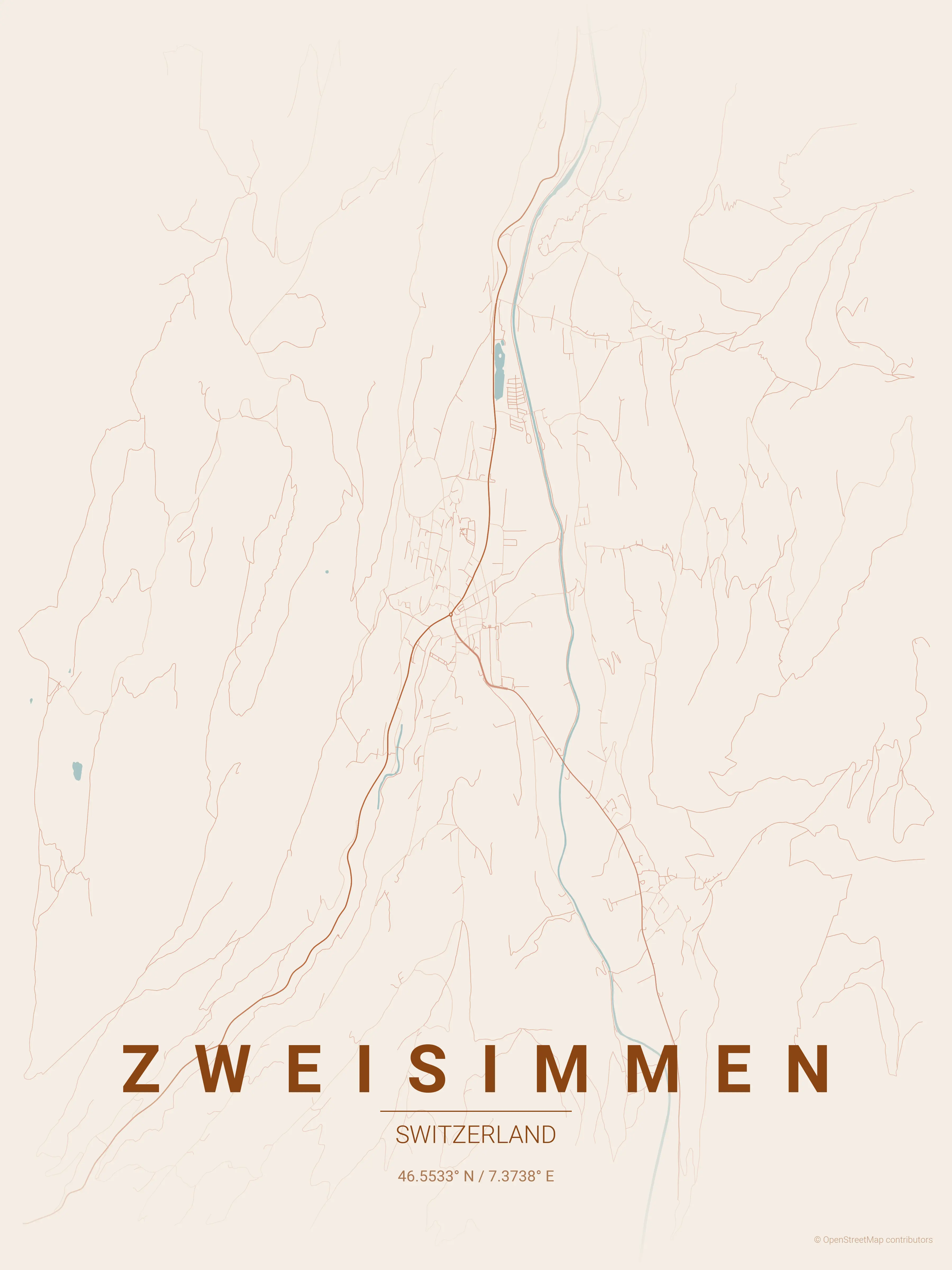
Sunday, 8. February 2026 Week 6
In some rare cases you might need to copy a file from a VM in Qubes OS to Dom0.
This can be done with the following command in a Dom0 console:
qvm-run --pass-io my-vm 'cat /path/to/file/in/my-vm/file.doc' > /path/fo/file/in/dom0/file.doc
Friday, 6. February 2026 Week 6
I made some config changes to the .screenrc and wanted to directly apply them to the running Screen without restarting.
Turns out one can trigger a reload of the config inside a running Screen session:
CTRL+a :source ~/.screenrc
Thursday, 5. February 2026 Week 6
This Github project from Ankur Gupta allows you to "generate beautiful, minimalist map posters for any city in the world".
You can install the Python scripts on your computer or use this website.
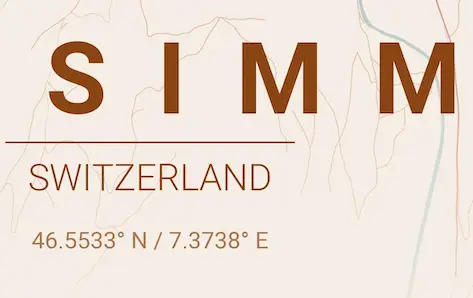
(via)
Saturday, 31. January 2026 Week 5
Had to work with some machine generated XML files.
To make them more readable, I looked for a way to format and indent them in Vim.
There are many tools for this, I stumbled upon xmllint which also validates the XML.
This can be useful, but restricts it to formatting valid XML files only.
:%!xmllint --format %
Thursday, 22. January 2026 Week 4
CSS Optical Illusions
Tuesday, 20. January 2026 Week 4
Simulating Crop Marks is a fun CSS experiment.
It uses html::before/after body::before/after together with some background: linear-gradient magic to draw crop marks around a website.
(via)
Sunday, 11. January 2026 Week 2
Two very interesting blog posts explaining how Alex manages multi-factor recovery codes and memorises passwords:
But enabling MFA isn’t everything – what if you lose access to that second factor? For example, I store my MFA codes in an app on my phone. What happens if my phone is broken or stolen?
I generally trust my password manager, but I don’t want it to be a single point of failure for my entire digital life.
Friday, 2. January 2026 Week 1
Sad and devastated. Wish strength to all.
Sunday, 28. December 2025 Week 52
Netsky & Andromedik - Out of Body (Blooom Remix)
(via)
Saturday, 27. December 2025 Week 52
Feeling burnt out? A bush blessing for the end of the year
Now is the time to think of new beginnings
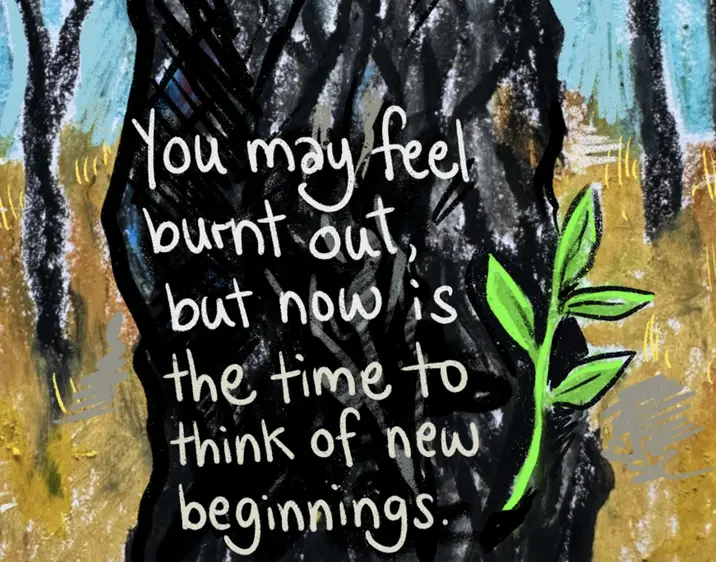
Illustration: Jess Hardwood
(via)